
Build Container Images in Pure Python
A weekly roundup of tips, releases, and community news from the flyte.org & union.ai ecosystem.

🚀 Get started with Flyte: docs.flyte.org
💬 Join the community: Slack
🛠️ Make a Contribution: GitHub
📅 Next Event: LLM fine-tuning with GRPO
💡 AI engineering tip of the week: Build container images in pure Python
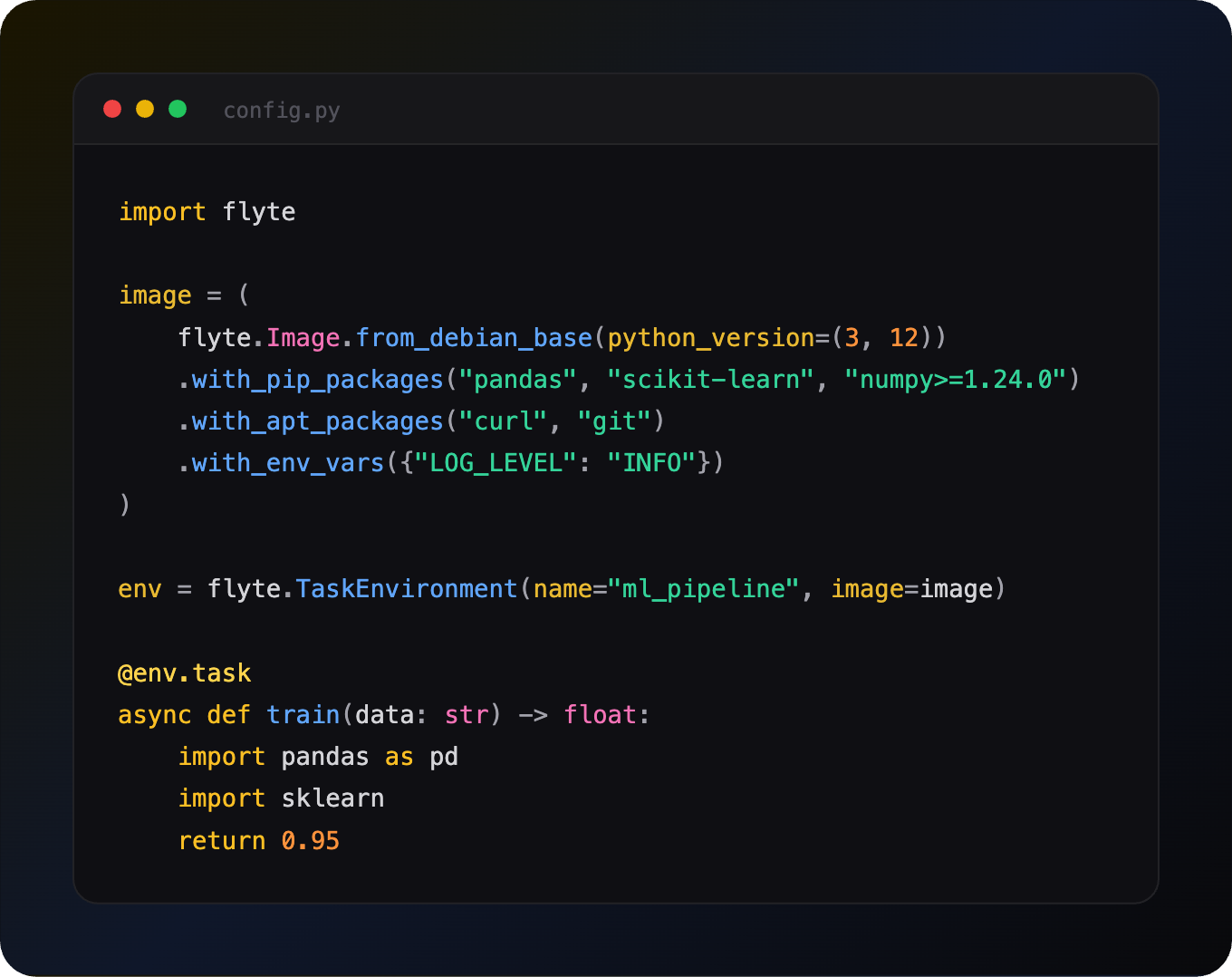
Writing Dockerfiles for ML projects can be tedious. You need to get the base image right, install system packages, install your dependencies, copy source files, and inevitably debug layer caching issues. What if you could do all of that in Python, right next to your task code?
Flyte 2’s flyte.Image lets you define container images with a fluent builder API. No Dockerfile. No context switching. Just chain methods and Flyte handles the rest.
Start from Flyte’s base image
import flyte

image = (
    flyte.Image.from_debian_base(python_version=(3, 12))
    .with_pip_packages("pandas", "scikit-learn", "numpy>=1.24.0")
    .with_apt_packages("curl", "git")
    .with_env_vars({"LOG_LEVEL": "INFO"})
)

env = flyte.TaskEnvironment(name="ml_pipeline", image=image)

@env.task
async def train(data: str) -> float:
    import pandas as pd
    import sklearn
    return 0.95
That’s it. When you run flyte run or flyte deploy, Flyte builds the image automatically. The from_debian_base() method gives you a clean Debian image with Python and the Flyte SDK pre-installed.
Use a requirements.txt you already have
Don’t want to list packages inline? Point to your existing requirements file:
from pathlib import Path

image = (
    flyte.Image.from_debian_base(python_version=(3, 12))
    .with_requirements(Path("requirements.txt"))
)
Also works with pyproject.toml via .with_uv_project() or .with_poetry_project().
Multiple images for different tasks
Not every task needs a GPU image with PyTorch. Define lightweight images for lightweight tasks:
light_image = flyte.Image.from_debian_base().with_pip_packages("pandas")
heavy_image = flyte.Image.from_debian_base().with_pip_packages("torch", "transformers")

data_env = flyte.TaskEnvironment(name="data", image=light_image)
training_env = flyte.TaskEnvironment(
    name="training",
    image=heavy_image,
    resources=flyte.Resources(gpu=1, memory="16Gi"),
    depends_on=[data_env],
)

@data_env.task
async def preprocess(raw: str) -> str:
    return raw.strip().lower()

@training_env.task
async def train(data: str) -> float:
    import torch
    return 0.95

@training_env.task
async def pipeline(raw: str) -> float:
    cleaned = await preprocess(raw)
    return await train(cleaned)
Each task uses only the image it needs. Smaller images = faster builds, faster pulls, and less cost.
Start from any base image
Already have a custom base image? Use from_base():
image = (
    flyte.Image.from_base("nvcr.io/nvidia/pytorch:24.01-py3")
    .clone(name="my-pytorch", extendable=True)
    .with_pip_packages("wandb", "datasets")
)
The .clone() with extendable=True lets you add layers on top of existing images.
Include source files
Need config files or scripts in the image?
from pathlib import Path

image = (
    flyte.Image.from_debian_base()
    .with_pip_packages("pyyaml")
    .with_source_file(Path("config.yaml"), dst="/app/config.yaml")
    .with_source_folder(Path("./src"), dst="/app/src")
)
Run custom shell commands
For anything the builder API doesn’t cover:
image = (
    flyte.Image.from_debian_base()
    .with_commands([
        "mkdir -p /app/data",
        "chmod +x /app/scripts/*.sh",
    ])
)
Why this matters
One language: Define infrastructure and logic in the same Python file.
Composable: Chain, extend, and clone images without copy-pasting Dockerfile layers.
Faster iteration: Change a package, re-run. Flyte handles layer caching.
No Docker required: With the remote builder on Union.ai, you don’t even need Docker installed locally.
Full image docs: https://www.union.ai/docs/v2/flyte/api-reference/migration/images/
See what’s happening in the Flyte Community:
📝 Latest from the blog
One validation engine, many dataframes: Pandera’s new Narwhals backend - Read on Union.ai
Flyte MCP: give your local coding agent control-plane superpowers - Read on Union.ai
Long horizon Agents on a Durable AI Runtime - Read on Union.ai
Breach! How AI stacks are compromising data security - Read on Union.ai
🎥 Recent talks & recordings
Workshop Recording: Build Research Agents That Don’t Break: LangGraph + Flyte - Watch on YouTube
LLM fine-tuning with LoRA & QLoRA - Watch on YouTube
Fine-Tuning BERT for the Unstructured Data You Actually Have - Watch on YouTube
📅 Upcoming events
July 9th: LLM fine-tuning with GRPO - RSVP on Luma
July 14th: Building Code Mode Agents - RSVP on Luma
July 15th: Seattle AI, ML, and Computer Vision Meetup at Union HQ - RSVP on Voxel51
July 28th: Seattle TwelveLabs + Qdrant: AI Systems for Video Embeddings and Search - RSVP on Luma
🛠️ Releases & updates
Flyte 2 OSS: Backend Devbox and Reimagined UI - Read on Union
June’s release brought first-class agents with memory and tool approval, SDK-authored MCP servers, backoff retries and per-attempt timeouts, multi-pod log streaming, and beta queues and events APIs. - Read the Release notes
🤝 From the community
July 15th: Seattle AI, ML, and Computer Vision Meetup - RSVP on Voxel51
AI Book Club: RAG with Python Cookbook - RSVP on Luma
That’s all for this week! - Sage Elliott